














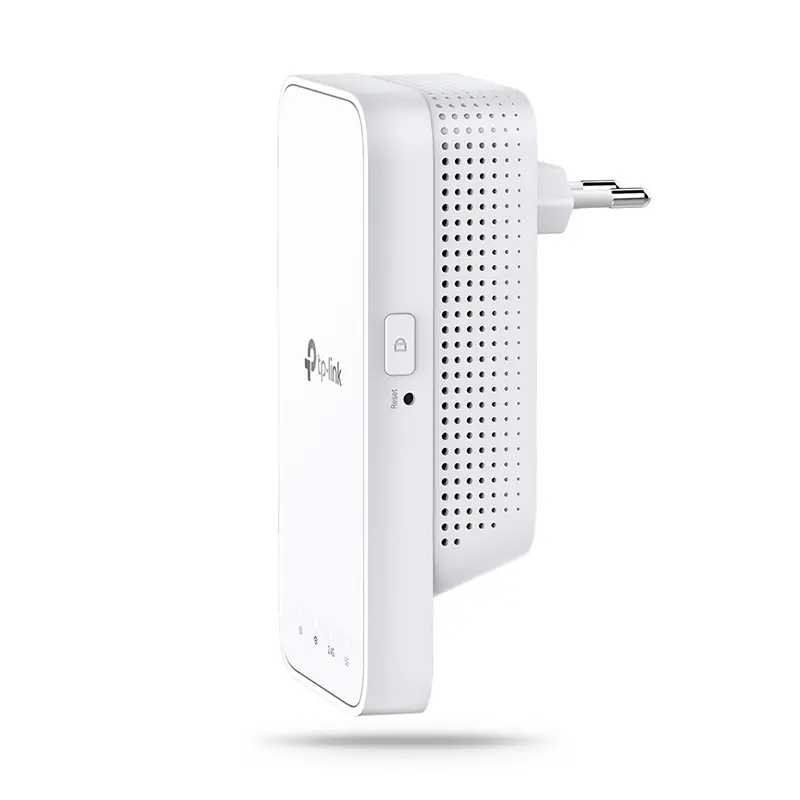
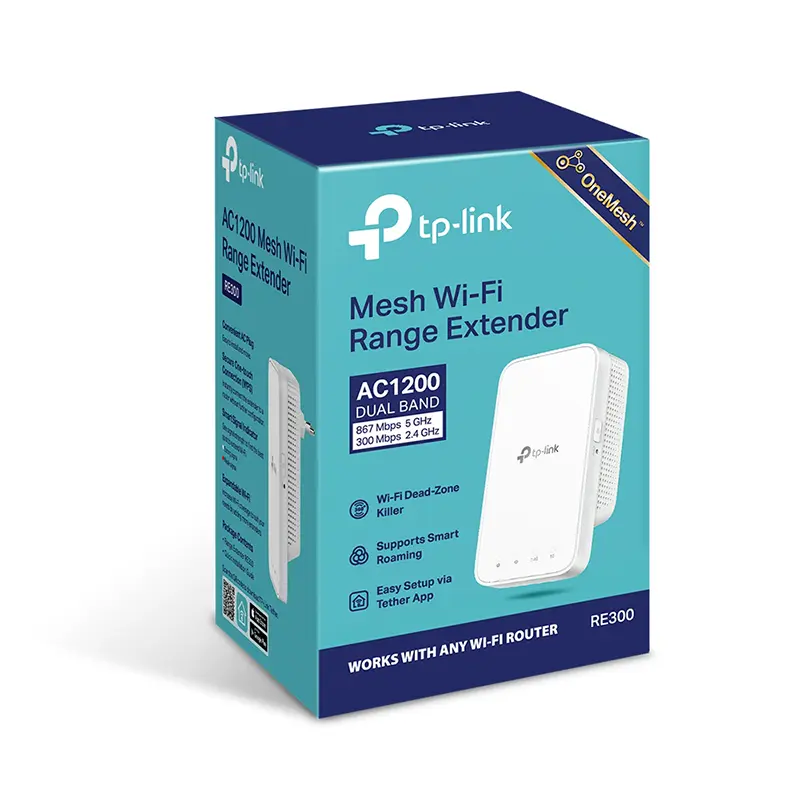
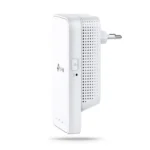
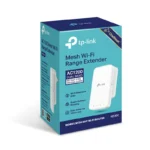

Keep the Whole Home Connected
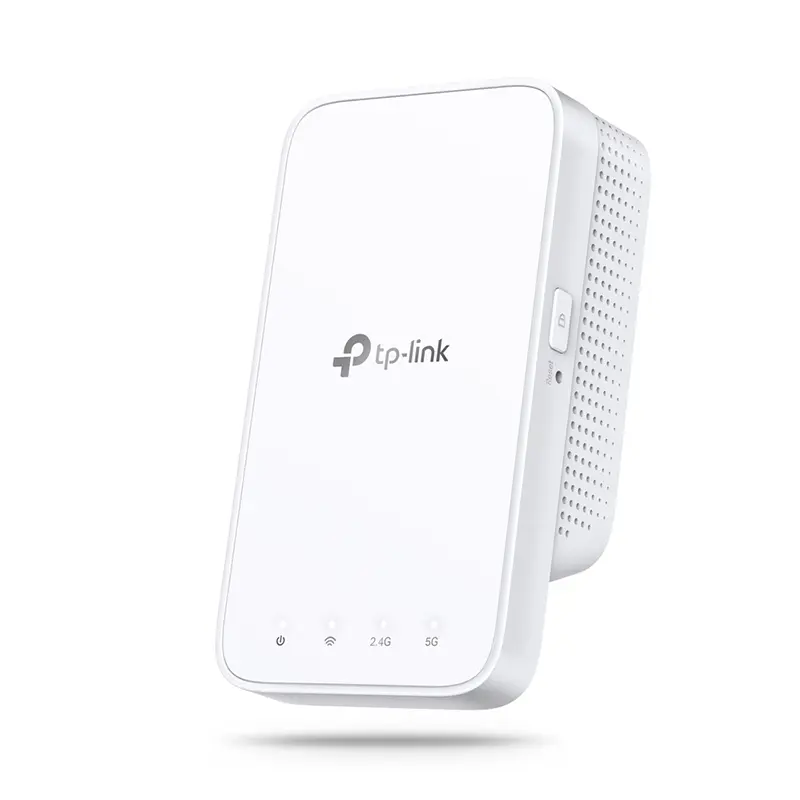
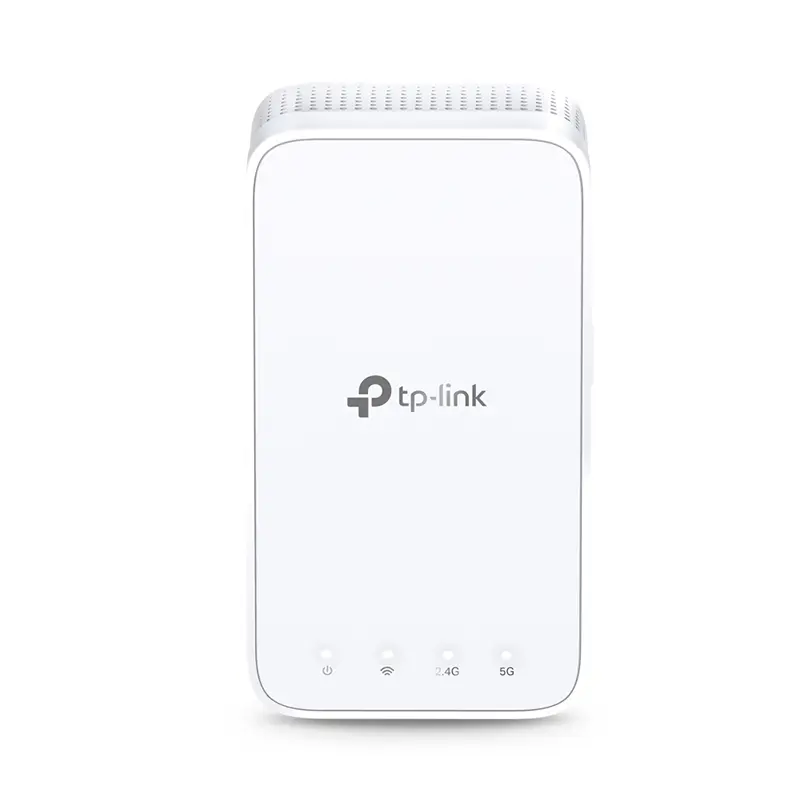
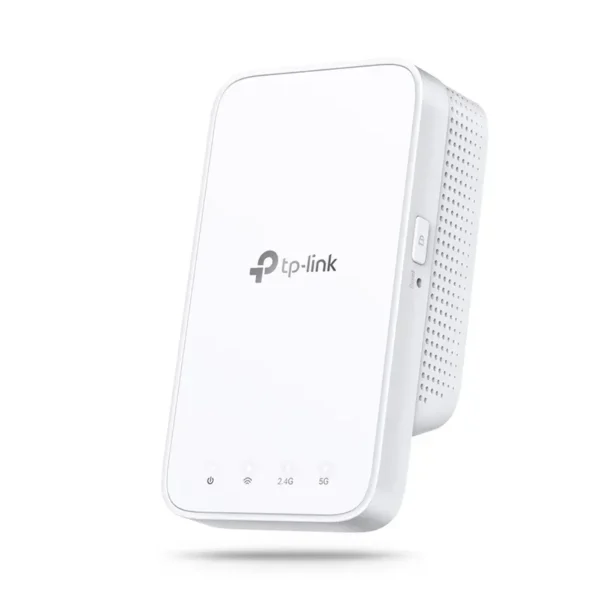
RE300 wirelessly connects to your Wi-Fi router, strengthening and expanding its signal into areas it can’t reach on its own. With speeds of up to 300 Mbps on 2.4 GHz and 867 Mbps on 5 GHz*1, put strong, fast Wi-Fi in every room and say goodbye to dead zones.
TP-Link OneMesh™
OneMesh™ is a simple way to form a Mesh network with a single Wi-Fi name for seamless whole-home coverage. Just connect a OneMesh™ range extender to a OneMesh™ router. No more searching around for a stable connection.
Enjoy a Mesh Network with Your Existing Router
Want a Mesh network? Hesitate on whether to replace your existing router and buy a Mesh set?
TP-Link OneMesh™ resolves your dilemma.
- Update your existing TP-Link router’s firmware to OneMesh version—no need to replace it.
- Connect the RE300 to the router.
- Enjoy the Mesh network.
Secure One-Touch Connection for Easy Setup
Step 1: Simply press the WPS button on your router and, within 2 minutes, the WPS button on RE300 to connect to the network.
Step 2: Once connected, place RE300 to the best location—without reconfiguration.
Notes: Please connect the extender to the router via the Tether app or Web UI if your router doesn’t support WPS.
Find the Best Location with the Smart Signal Indicator
The smart signal indicator lets you see signal strength from the existing router at a glance. Easily to find the best place to position your range extender to extend your Wi-Fi.
Feature-Rich App for Control in Your Hands
Set up and manage your Wi-Fi through the TP-Link Tether app from your smartphone (Android, iOS), including TP-Link routers and range extenders.

Reviews
Clear filtersThere are no reviews yet.